
The event list is a customized list of user activities recorded by the medical journal and subsequently configured in the Logpoint server.
To add an event list to the Logpoint server:
Go to Settings >> Knowledge Base >> Lists and Tables.
Click Add.
In Lists, select the Static List option.
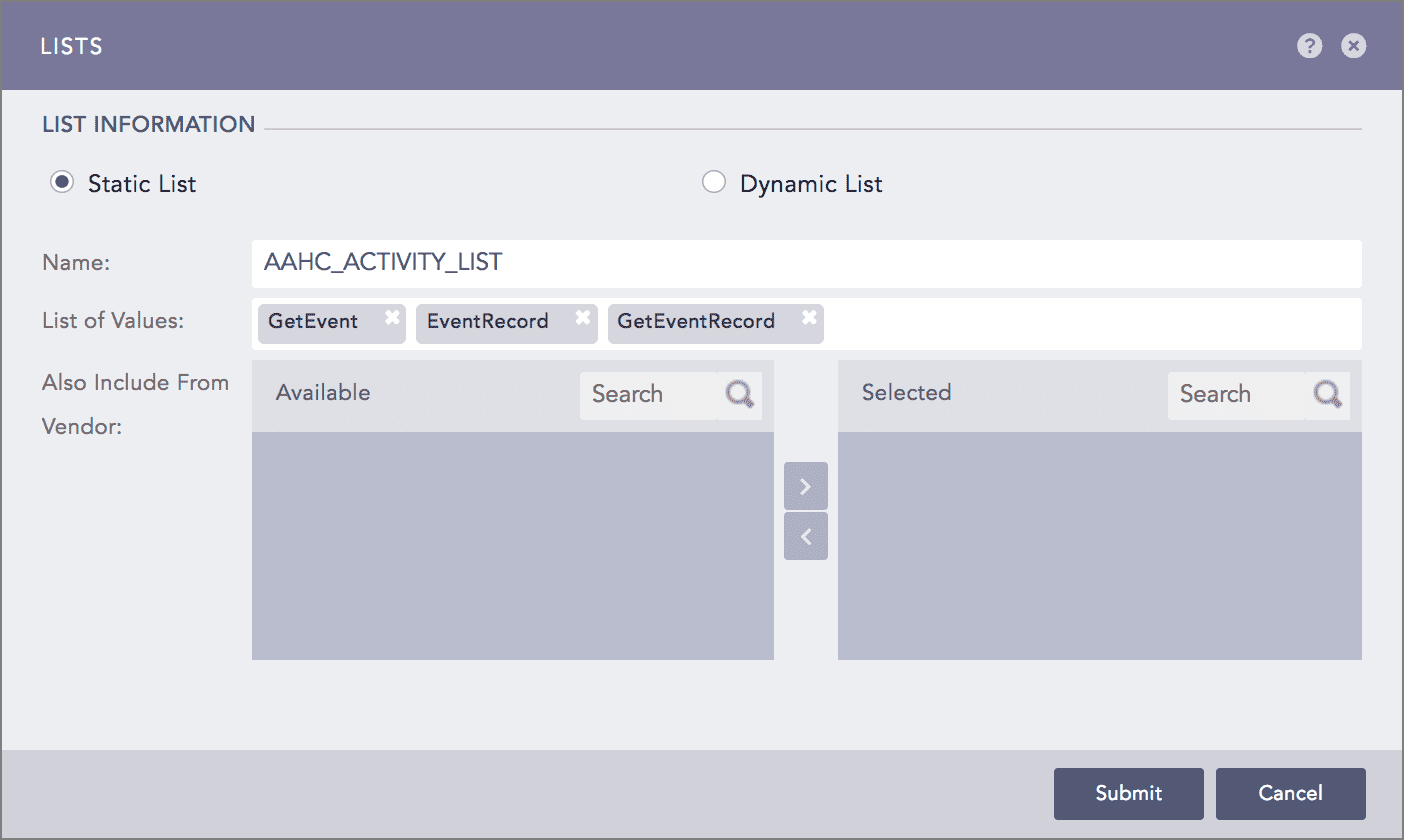
Adding an Event List
Provide a Name for the list.
Provide the activities in the List of Values.
Click Submit to create the list.
Once you add the list, go to the Filter section in the LP Configuration tab of AAHC. In the Event box, enter the event list configured in the Logpoint.
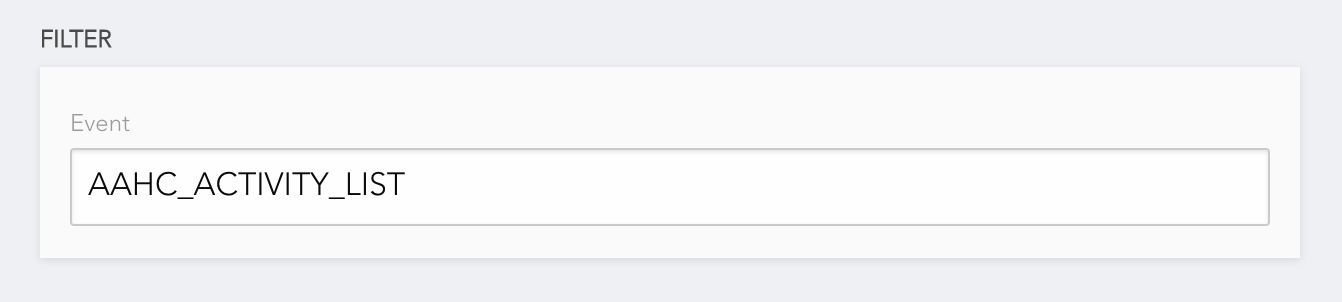
Selecting an Activity List to Filter the Search
For example, AAHC_ACTIVITY_LIST is an event list configured in the Logpoint server, containing the GetEvent, EventRecord, and GetEventRecord activities. If you select AAHC_ACTIVITY_LIST as a filter value, AAHC generates the search result with the logs that have GetEvent, EventRecord, or GetEventRecord value for the activity field.